"Fortnite Drawing & Coloring: Unleash Your Creativity!"
Unleash your creativity and add a personal touch to your Fortnite gaming experience with Fortnite drawing and coloring. This popular pastime allows you to create unique skins, back blings, gliders, and more, making your character stand out on the battlefield. In this comprehensive guide, we'll explore the world of Fortnite drawing and coloring, providing tips, tools, and inspiration to help you create stunning in-game art.
Understanding Fortnite Drawing and Coloring
Fortnite drawing and coloring involves creating 2D or 3D designs inspired by the game's art style. These designs can then be used as custom skins for your character, adding a personal touch to your gaming experience. The Fortnite community has embraced this creative outlet, with many players sharing their artwork and even selling their designs in the Item Shop.
Getting Started with Fortnite Drawing
Before you dive into creating your masterpiece, you'll need a few essential tools. A graphics tablet, such as the Wacom Intuos or Huion Kamvas, can provide a more natural drawing experience than a mouse. However, if you're just starting out, a mouse or even your phone and a drawing app can work perfectly fine. You'll also need drawing software, with popular choices including Adobe Photoshop, Illustrator, or free alternatives like GIMP and Inkscape.


Choosing a Style
Fortnite's art style is vibrant and cartoony, with bold outlines and flat colors. When starting out, try to mimic this style to create designs that fit seamlessly into the game. As you become more comfortable, you can experiment with different styles to make your creations truly unique.
Designing Your Fortnite Skin
When designing your Fortnite skin, consider the following aspects:


- Concept: Start with a unique idea or character concept. This could be anything from a futuristic cyborg to a steampunk-inspired robot.
- Color Scheme: Choose a color scheme that complements the Fortnite art style. Bright, bold colors work best, but don't be afraid to experiment with different palettes.
- Details: Add intricate details to make your skin truly unique. This could include patterns, textures, or even hidden Easter eggs.
Bringing Your Design to Life
Once you've created your design, it's time to bring it into Fortnite. To do this, you'll need to use the game's Creative mode and the "File" option in the Build menu. Here's a step-by-step guide:
- Open Fortnite and select the "Creative" mode from the main menu.
- Create a new island or select an existing one.
- Open the "Build" menu and select the "File" option.
- Upload your design as a PNG file with a transparent background.
- Scale and position your design as desired.
- Save your island and test your new skin in-game.
Inspiration and Resources
If you're looking for inspiration or want to learn from other artists, there are plenty of resources available. The Fortnite subreddit (r/FortniteCreative) is a great place to find and share artwork, while the Fortnite Art Twitter account (@FortniteArt) showcases some of the best in-game art. You can also find tutorials and tips on YouTube, with channels like "The Fortnite Guy" and "Ninja" offering valuable insights.
Conclusion
Fortnite drawing and coloring is a fun and creative way to express yourself in-game. With the right tools and a little practice, you can create stunning skins that make your character stand out on the battlefield. So grab your favorite drawing tool and start creating – the Fortnite art community can't wait to see what you come up with!


Related Articles

"Unleash Your Creativity: Fortnite Drawing & Coloring Pages"
Unleash Your Creativity: Fortnite Drawing and Coloring In the vast world of Fortnite, players often find themselves seeking activities beyond the battle...

"Fortnite Beef Boss Coloring Pages: Unleash Your Creativity!"
Embark on a creative adventure with your favorite Fortnite characters as you explore the world of Fortnite Beef Boss coloring pages. These printable coloring...

"Unleash Your Creativity: Fortnite x Juice WRLD Coloring Page"
Unleash Your Creativity: Fortnite Juice WRLD Coloring Page Embark on a creative journey that combines the thrilling world of Fortnite with the iconic style of...

"Unleash Your Creativity: Fortnite Coloring Pages Featuring Juice WRLD"
Unleash Your Creativity with Fortnite Coloring Pages: A Juice WRLD Tribute Are you a fan of Fortnite, the popular battle royale game, and Juice WRLD, the late...

"Unleash Your Creativity: Free Fortnite Coloring Pages for Kids & Fans"
Immerse yourself in the vibrant world of Fortnite with our collection of free, printable Fortnite coloring pages! Whether you're a seasoned player or a fan of...
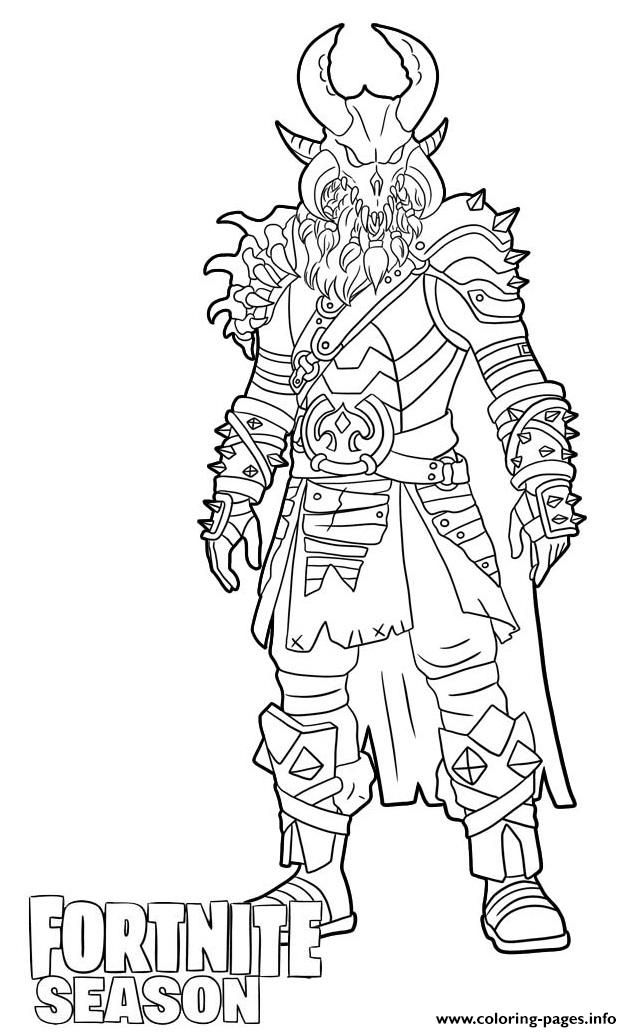
"Unleash Your Creativity: Free Fortnite Shogun X Coloring Page"
Unleash Your Creativity with the Fortnite Shogun X Coloring Page Are you a Fortnite fan eager to bring your favorite characters to life? Look no further than...